
This document is the user manual for Scantech Nexus N-3030 barcode laser scanner, which provides information about copyright, limited warranty, important matters, and radio and TV interference.
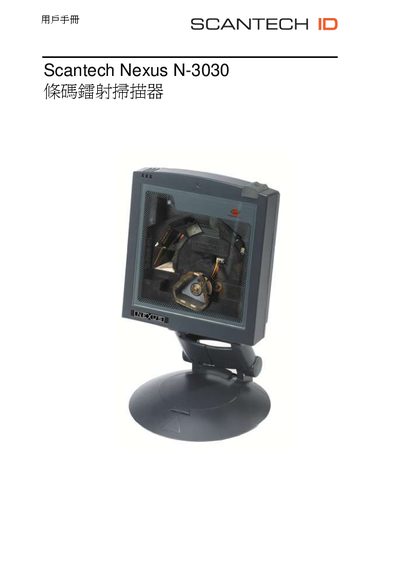
The Scantech Nexus N-3030 is a hands-free laser barcode scanner designed for retail and point-of-sale environments. It features a wide scanning range and can be mounted on surfaces or flexible bases. The manual covers unboxing, scanning instructions, maintenance, installation, and troubleshooting. It also includes technical specifications and compatibility details for POS systems and power supplies.
The scanner supports programmable sleep mode and can be configured via barcode labels. It complies with CE, FCC, and UL/CSA standards and includes guidelines for resolving radio and TV interference issues. This manual is written in Chinese.
| Laser Class | IEC825 Class 1 |
|---|---|
| Scanning Area | 7 directions, 24-line scan pattern |
| Power Supply | UL-listed or CSA-certified power supply |
Press the switch on top of the scanner to power it on.
The default sleep mode timeout is 30 minutes.
Clean the scanner window, ensure barcode type is enabled, or check for host system compatibility.