
This document is the electronic user's manual for Philips 190V9 LCD monitor, including safety measures and maintenance, general FAQs, troubleshooting, regulations and other related information.
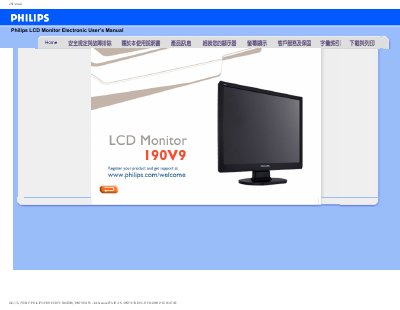
This manual covers safety precautions for handling the Philips 190V9 LCD monitor, including proper ventilation, power‑up procedures, and cleaning recommendations. It also explains how to register the product for support.
The document includes troubleshooting advice, frequently asked questions, and instructions for adjusting resolution, refresh rate, and installing the monitor driver on Windows systems.
| Recommended resolution | 1280 x 1024 @ 60 Hz |
|---|---|
| Refresh rate | 60 Hz |
Set the monitor to the recommended video mode of 1280 × 1024 at 60 Hz using the Windows display settings.
Open Windows Control Panel, select "Display properties", and choose the desired resolution.
The monitor operates at a fixed refresh rate of 60 Hz.
Use a soft, lint‑free cloth and avoid solvents such as alcohol.