
This manual introduces the features and usage methods of the projector, including safety instructions, cleaning methods, installation methods, maintenance methods, etc.
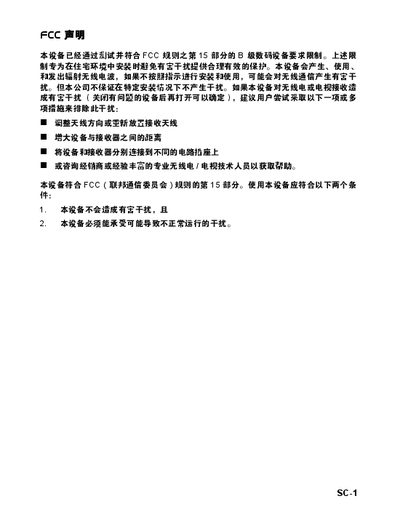
This manual provides safety instructions, setup steps, and operating guidance for the SC‑1 projector. It includes FCC compliance information, proper handling, cleaning, and maintenance procedures to ensure reliable performance.
The document also lists detailed technical specifications, connection options, LED indicator meanings, compatible video modes, and a troubleshooting guide for common issues such as power problems, image quality, and remote control operation. This manual is written in Chinese.
| Resolution | 1024 × 768 (XGA) |
|---|---|
| Brightness | 2000 ANSI lumens |
| Contrast Ratio | 2000:1 |
| Lamp Power | 180 W |
| Power Consumption | 230 W |
| Weight | 2.7 kg (6 lb) |
| Dimensions | 271 × 223 × 90 mm |
| Input Voltage | AC 100‑240 V, 50‑60 Hz |
Check that the power cable is securely connected at both ends, press the power button, and if needed unplug the cable, wait a moment, then plug it back in and press power again.
Use a clean, slightly damp cloth to gently wipe the lens; do not use liquids or spray cleaners directly on the lens.
A flashing green LED means the projector is in standby mode.