
This manual describes the operating instructions for the CP-S335/X340/X345 projector.
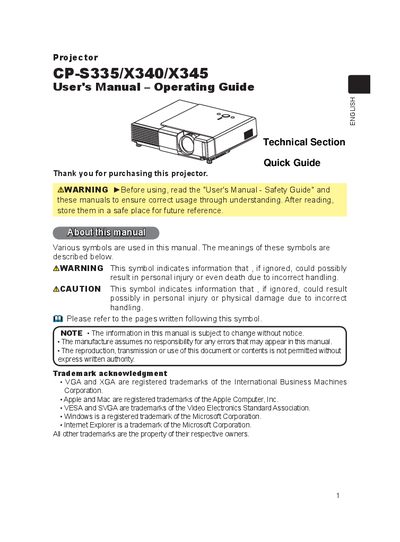
This user manual covers safety warnings, installation steps, and basic operation of the CP‑S335/X340/X345 projector. It explains how to position the unit, connect video and audio sources, and use the remote control and on‑board buttons for functions such as power, volume, keystone correction, and magnification.
Additional sections describe routine maintenance, including lamp replacement, air‑filter cleaning, and troubleshooting common issues. The document also contains a specifications table and warranty information.
| Lamp power | 165W |
|---|---|
| Lamp type number | DT00671 |
| Air filter type number | NJ09702 |
When the lamp‑replace indicator appears, turn the projector off, unplug it, let the lamp cool for at least 45 minutes, remove the lamp cover, loosen the two screws, replace the lamp, re‑tighten the screws, re‑attach the cover and reset the lamp timer in the OPTION menu.
When the air‑filter‑clean indicator appears, turn the projector off, unplug it, let it cool, remove the filter cover, pull out the filter, vacuum the filter and vent, then reinstall the filter and reset the filter timer in the OPTION menu.