
This document is the user manual for the ASK Proxima projector, which provides information on basic operations and setup, as well as troubleshooting tips.
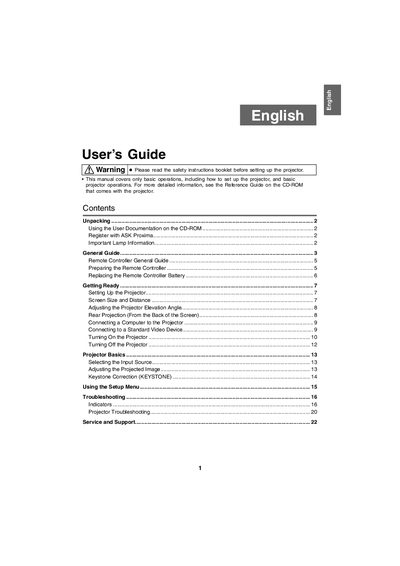
This manual covers the basic operations of the InFocus W150 projector, including unpacking, setting up the device, connecting to video sources, and adjusting the projected image. It also details the usage of the remote controller and provides safety warnings regarding ventilation and lamp installation.
| Lamp Model (Tabletop) | SP-LAMP-035 |
|---|---|
| Lamp Model (Ceiling) | SP-LAMP-036 |
| Remote Battery Type | CR2025 |
| Elevation Adjustment Range | 0 to 12 degrees |
| Auto Keystone Range | 0 to +30 degrees |
| Surface Angle Limit | 30 degrees |
| Vents Clearance | 30 cm (11.8 inches) |
Use lamp model SP-LAMP-036, which is specifically designed for ceiling mounted applications.
The remote controller requires a CR2025 battery.
The projector can be placed on a surface angled up to 30 degrees upwards or downwards.
Detailed explanations are found in the Reference Guide on the CD-ROM that comes with the projector.