
This document is a detailed user manual and network guide for the CP-X705/CP-X615 projector. It explains the network functions of the projector, including configuring and controlling it via a web browser software, and displaying still images transferred via the network. The manual also provides necessary safety guidelines and a concise user manual.
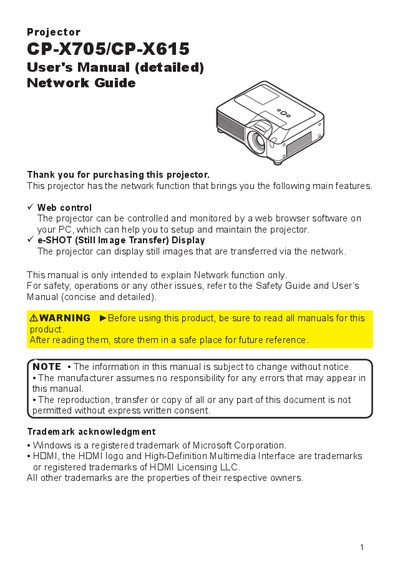
This manual explains the network capabilities of the CP‑X705/CP‑X615 projector, including web‑based control, monitoring, and the e‑SHOT still‑image transfer feature. It provides step‑by‑step instructions for connecting the projector to a PC via LAN, configuring IP settings, and using the web interface.
The guide also covers advanced network functions such as SNMP management, email alerts, command control via TCP/IP, and authentication procedures. It includes details on IP address configuration, DHCP usage, and the automatic disconnection behavior of the TCP connection.
| Default IP address | 192.168.1.10 |
|---|---|
| Subnet mask | 255.255.255.0 |
| Network protocol | TCP/IP |
| TCP connection timeout | 30 seconds |
Use the configuration utility via a web browser to modify the IP address settings.
It uses a challenge‑response authentication with an MD5 algorithm.
The TCP connection automatically disconnects after 30 seconds of inactivity.
Yes, if a DHCP server is present, the projector can receive an IP address automatically.