
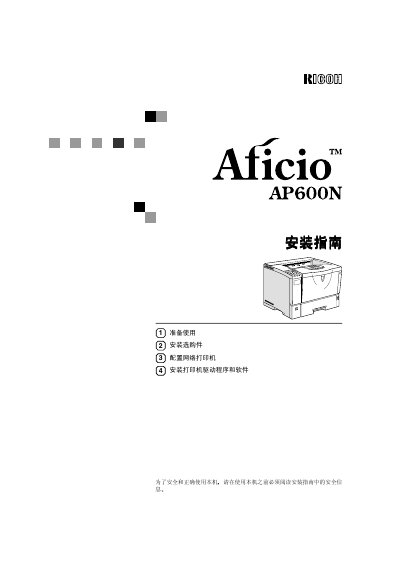
Ricoh Aficio AP600N Printer Installation Guide


Ricoh Aficio AP600N Printer Installation Guide - cover page
Brand
Ricoh
Category
Printer
Document type
Installation Guide
Language
Chinese
Pages
80
File format
PDF
Published
20 September, 2011
Updated
29 September, 2023
MD5 checksum
95A42481C36C2641BED2F702F231AB12

About this manual

This Ricoh Aficio AP600N installation guide provides setup and safety instructions for the laser printer. Readers learn about power requirements, operator safety, laser precautions, and where warning labels are placed on the machine.

The manual also covers installing options, configuring the printer on an Ethernet network, and installing printer drivers and software for Windows and Mac OS, including PCL 6/5e, PostScript, and USB connections. This manual is written in Chinese.

What's inside

  • Safety Information
  • Preparing for Use
  • Getting to Know Your Printer
  • Installing Options
  • Configuring Network Printer
  • Installing Printer Drivers and Software
  • Installing PCL 6/5e Printer Driver
  • Installing PostScript Printer Driver
  • Installing Printer Driver Using USB
  • Installing SmartNetMonitor for Client/Admin

Specifications

Power voltage220 - 240 V
Power frequency50/60 Hz
Power current4.5 A or above
Laser classClass 1 laser product
Laser wavelength760 - 800 nm

Frequently asked questions

What voltage does the printer use?

The printer uses 220 - 240 V power.

What laser safety class is the printer?

The printer is a Class 1 laser product designed for safe office use.

What should be done before moving the printer?

Unplug the power cord from the wall outlet before moving the machine.

Which toner does Ricoh recommend?

Ricoh recommends using genuine Ricoh toner to obtain good print quality.

Download PDF

More Ricoh Manuals


View all Ricoh manuals →