
This document is an operation manual that provides detailed instructions on how to use the machine and troubleshoot common issues. It also includes safety information and general setup guidelines.
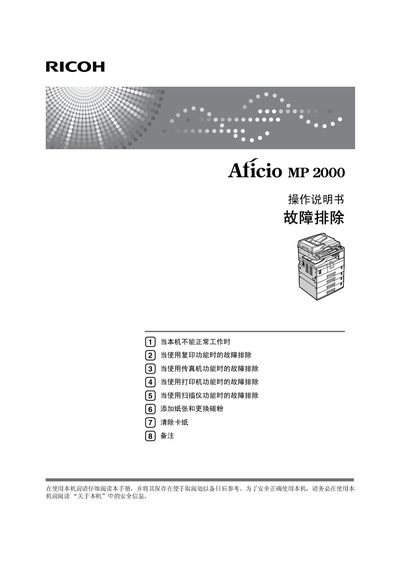
This manual covers safe operation of the Ricoh MP2000 multifunction printer, including important safety notices, power requirements, and handling of consumables such as paper and toner. It explains how to read the symbols used throughout the guide and provides detailed instructions for preparing the machine for use.
The document is organized by function, offering step‑by‑step troubleshooting for copy, fax, print, and scan operations, as well as procedures for clearing paper jams, replacing toner, and performing routine maintenance. Network configuration and software driver installation are also addressed. This manual is written in Chinese.
| Power supply | 220‑240 V, 50/60 Hz, 7 A or above |
|---|
Check the paper tray and replace the toner if the paper‑out or toner‑empty indicator is lit.
The device requires a 220‑240 V AC supply at 50/60 Hz with a current rating of 7 A or higher.