
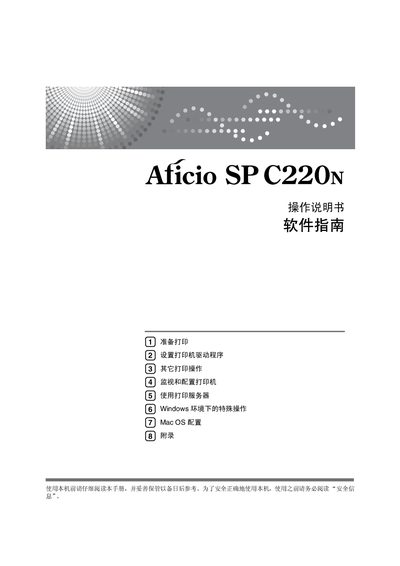
This manual explains how to safely install and use the Ricoh Aficio SP C220N printer. It includes safety information, hardware details, and guidance on handling paper and consumables.
The guide covers driver installation for Windows and Mac OS, network and USB connections, printer monitoring with Web Image Monitor and Smart Organizing Monitor, troubleshooting, and optional print server configuration. Appendices list software utilities and additional configuration notes. This manual is written in Chinese.