
This manual is the operation manual for RICOH Aficio MP 1810L / 1810LD printer/scanner, which provides detailed instructions and precautions for operating and using the device. It also reminds users to read the safety information before using the device and not to copy or print prohibited materials.
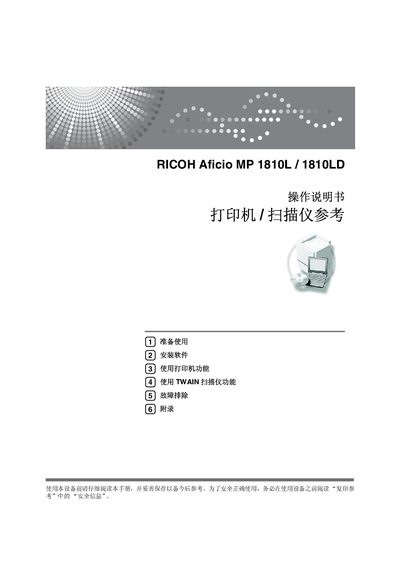
This manual covers everything needed to install and operate the Ricoh Aficio MP 1810L/1810LD multifunction device. It includes safety information, software installation steps, printer and TWAIN scanner functions, and detailed troubleshooting guidance.
The document also contains technical specifications for both printing and scanning, such as resolution, speed, interface options, and supported operating systems, helping users configure the device for optimal performance. This manual is written in Chinese.
| Print resolution | 600 dpi |
|---|---|
| Print speed | 18 ppm (A4) |
| Interface | USB 2.0 |
| Memory | 32 MB |
| Supported operating systems | Windows 2000, Windows XP, Windows Server 2003 |
| Scanner resolution range | 100–600 dpi |
| Scanner speed | ≈25 pages/min |
| Maximum scan size | 297 × 432 mm (A3, 11 × 17 in) |
| Maximum power consumption | < 920 W |
The printer can output about 18 pages per minute on A4 paper.
The scanner can be set from 100 dpi up to 600 dpi.
It supports Windows 2000, Windows XP, and Windows Server 2003.
The printer connects via a USB 2.0 interface.