
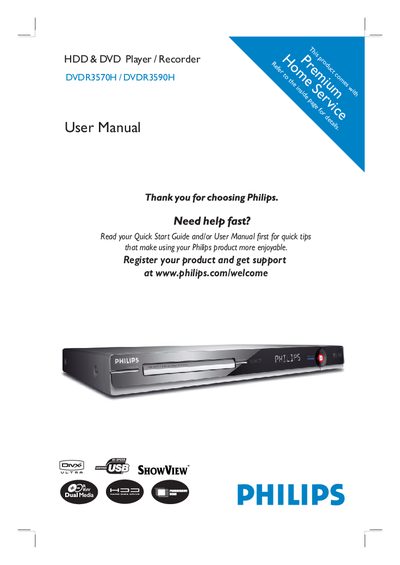
This manual guides users through the safe installation and operation of the Philips DVDR3570H and DVDR3590H DVD/HDD recorders. It covers safety precautions, connection options, remote‑control usage, and basic functions such as TV viewing, time‑shift, and recording.
Detailed sections explain how to connect antennas, video/audio cables, external devices, and how to manage recordings, copy files, edit titles, and adjust system settings. The document also includes a specifications table and a troubleshooting FAQ.
| Laser type (DVD) | Semiconductor InGaAIP |
|---|---|
| Wavelength (DVD) | 658 nm |
| Wavelength (CD) | 90 nm |
| Output Power (DVD+RW write) | 30 mW |
| Output Power (DVD read) | 1.0 mW |
| Output Power (CD read) | 1.0 mW |
| Beam divergence (DVD) | 84 degrees |
| Beam divergence (CD) | 61 degrees |
Wipe the disc with a micro‑fibre cleaning cloth from the centre to the edge in a straight line and never use solvents or anti‑static sprays.
Yes. The manual provides step‑by‑step instructions for connecting the recorder to a VCR, a camcorder, or other external devices.
Do not move the recorder or expose it to vibration while it is operating, and switch it to standby mode before unplugging the power cord.
Enable Eco mode and turn off the front‑panel display brightness to minimise standby power usage.