
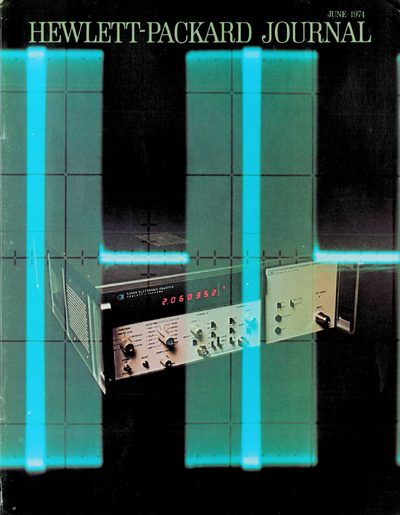
This Hewlett‑Packard journal article introduces the Model 5345A Electronic Counter, a general‑purpose plug‑in instrument for frequency and time measurements. It highlights the counter’s ability to measure frequencies from 50 Hz to 500 MHz, its nine‑digit resolution, and its novel time‑interval averaging technique that achieves picosecond resolution.
The paper details the counter’s hardware, including two (and optionally three) 10‑mV, 500‑MHz input amplifier channels, 500‑MHz E?L logic, a 10‑MHz oven‑stabilized time‑base oscillator, and a ROM‑controlled processor. It also lists condensed specifications and describes optional ASCII‑programmable modules that extend the instrument’s functionality.
| Frequency range | 50 Hz to 500 MHz |
|---|---|
| Input sensitivity | 10 mV |
| Input impedance | 1 MΩ/30 pF or 50 Ω |
| Gate‑time range | 50 ns to 1000 s |
| Time‑base oscillator | 10 MHz oven‑stabilized crystal |
It can measure frequencies from 50 Hz up to 500 MHz.
The counter provides two standard input amplifier channels, with an optional third channel available via a plug‑in.
It uses 500‑MHz E?L (emitter‑emitter) logic for high‑frequency operation.
The time base is a 10‑MHz oven‑stabilized crystal oscillator.