
MTS400 is a MPEG test system launched by Tektronix. It is mainly used in device manufacturing and broadcasting and television industries. The system can be used for production testing of devices and for fault diagnosis of networks. It has the fastest analysis engine in the industry, which can shorten the search time and quickly develop, evaluate, configure and diagnose next-generation DTV and IPTV systems and businesses.
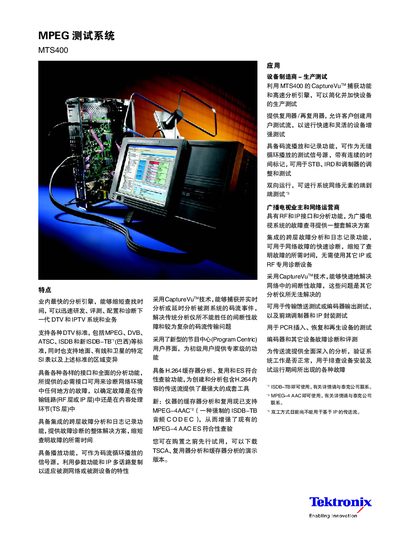
The MTS400 is a MPEG test system designed for broadcast and IPTV equipment testing. It offers real‑time and delayed analysis, stream playback and recording, and a range of interfaces (RF, IP, ASI, SMPTE 310, LVDS) to support end‑to‑end system diagnostics.
The manual describes hardware specifications, optional upgrade modules, and software requirements. It also includes ordering information, service options, and contact details for Tektronix worldwide offices.
| Operating System | Microsoft Windows XP Pro |
|---|---|
| Processor | Intel Pentium P4, minimum 2.8 GHz |
| Hard Disk (OS) | 80 GB Ultra ATA100 IDE |
| Video Stream Storage | 144 GB (2 × 72 GB SCSI) |
| Memory | 1 GB RAM |
| Display | 10.4‑inch LCD, 1024 × 768 |
| Ethernet Ports | 2 × 10/100/1000Base‑T RJ45 |
| USB Ports | 2 × USB 2.0 |
| Clock Input Frequency | 160 kHz‑25 MHz (parallel), 1.28 MHz‑32 MHz (serial) |
The MTS400 can play and record streams via ASI, SMPTE 310, LVDS (DVB parallel) and IP stream interfaces, providing seamless loop playback with automatic time‑stamp updates.