
The IBM Infoprint 1585 is a high-performance, reliable laser printer that offers fast printing speeds, rich features, and an easy-to-use control panel. It can meet the needs of businesses of all sizes, including complex printing jobs and high-quality document output.
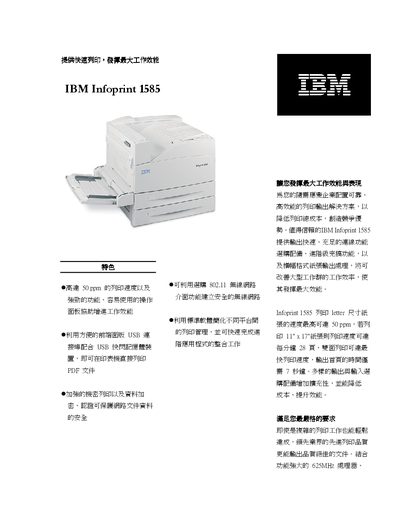
This manual describes the IBM Infoprint 1585 printer, highlighting its high‑speed printing of up to 50 ppm, robust 625 MHz processor, and 256 MB of standard memory. It covers advanced security features such as data encryption, optional wireless 802.11 connectivity, and a range of paper handling options.
Detailed sections include technical specifications, supported print formats (PostScript 3™, PCL 6, PDF v1.5), network interfaces (USB 2.0, Ethernet, optional 802.11), paper size compatibility, consumable part numbers, and warranty information. This manual is written in Chinese.
| Processor | 625 MHz |
|---|---|
| Standard memory | 256 MB |
| Print resolution | 300, 600, 2400 dpi and 1200 dpi |
| Network interfaces | USB 2.0, Ethernet 10BaseTX/100BaseTX, optional 802.11 wireless |
| Toner cartridge yield | 30,000 pages |
It comes with 256 MB of standard memory.
It includes USB 2.0, Ethernet 10BaseTX/100BaseTX, and optional 802.11 wireless.
The standard toner cartridge is rated for 30,000 pages.