
This manual provides detailed instructions on how to use, maintain and repair Panasonic vacuum cleaners. It includes information on safety precautions, parts names, assembly methods, usage methods, maintenance, and fault diagnosis. It can help users use vacuum cleaners correctly and extend their service life.
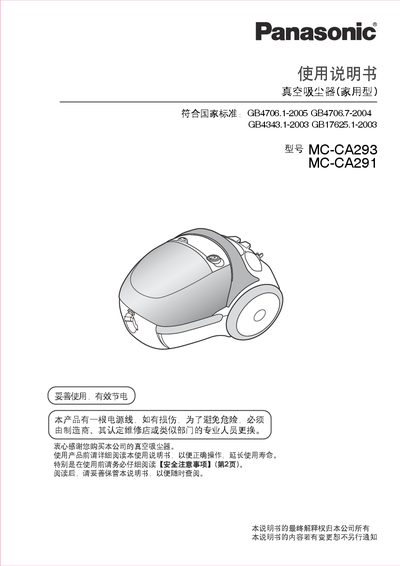
This manual provides safety precautions, part names, assembly steps, operating instructions, maintenance tips, and troubleshooting guidance for the Panasonic MC-CA293 and MC-CA291 household vacuum cleaners.
It also lists technical specifications, accessories, and service information, helping users keep the vacuum cleaner in optimal condition and resolve common issues. This manual is written in Chinese.
| Rated Power | 750 W |
|---|---|
| Dimensions (L×W×H) | 287×256×220 mm |
| Net Weight | 2.6 kg |
| Gross Weight (incl. hose & accessories) | 3.4 kg |
| Operating Noise | 82 dB |
| Dust Capacity | 1.4 L |
| Power Cord Length | 5 m |
Open the dust cover, remove the old bag, insert a new bag, and close the cover until you hear a click.
Check that the power plug is fully inserted, ensure the dust bag and filter are not full or blocked, clear any blockages, and if the protection device has activated, wait about 60 minutes for it to reset.