
Panasonic TC-26LX60D/TC-32LX60D LCD TV user manual, which introduces the product's safety precautions, maintenance, accessories/optional parts, identifying control positions, connections, initial settings, automatic tuning, basic functions, watching TV, watching videos and DVDs, advanced functions, editing and setting channels, external devices (Using HDMI control/connection), technical information, FAQs, licenses, specifications, etc.
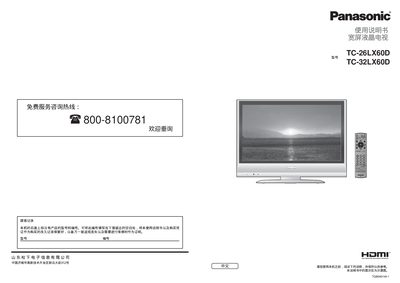
This manual provides safety guidelines, installation instructions, and basic operation steps for Panasonic 26‑inch and 32‑inch LCD televisions. It explains how to connect power, antennas, and external devices, as well as how to use the remote control and on‑screen menus.
The document also includes detailed instructions for automatic channel tuning, menu navigation, picture and sound adjustments, and a troubleshooting section with common issues and their solutions. Technical specifications such as power requirements, dimensions, and speaker output are listed at the end. This manual is written in Chinese.
| Power supply | AC 220 V, 50 Hz |
|---|---|
| Standby power consumption | 0.9 W |
| Speaker output | 14 W (7 W + 7 W) |
| Dimensions (without stand) | 657 mm × 525 mm × 300 mm |
| Screen size | 26 in (TC‑26LX60D) / 32 in (TC‑32LX60D) |
Open the menu, select “Automatic Tuning”, choose the appropriate broadcast standard for your region, and follow the on‑screen prompts to store the channels.
Ensure the volume is not set to the minimum, check that the speaker mode is not muted, and verify the audio input source is correctly connected.