
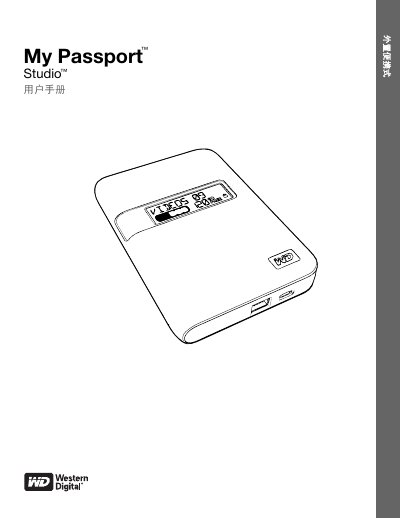
This manual covers setup, backup, recovery, and security features for the WD My Passport Studio external hard drive. It includes instructions for connecting the drive to Mac and Windows computers, using WD SmartWare for automatic backups, and managing the drive's security settings. The guide also explains the drive's physical features, indicator lights, and compatibility with FireWire 800 and USB 2.0 ports. This manual is written in Chinese.
| Compatibility | Mac OS X Tiger, Leopard, Snow Leopard and Windows XP, Vista, 7 |
|---|---|
| Security | 256-bit hardware encryption and password protection |
Connect the drive using the included FireWire 800 or USB 2.0 cable. It is plug-and-play compatible with Mac OS X Tiger, Leopard, and Snow Leopard.
WD SmartWare is software that enables automatic, continuous backup of files, visual backup progress, and easy file recovery.
If you forget the password, you can unlock the drive using the WD SmartWare software or by manually unlocking it without the software.