
This document is a quick start guide for the Philips GoGear audio video player. It provides instructions on installation, connection, charging, transfer, and enjoyment of the device, as well as access to support materials and FAQs.
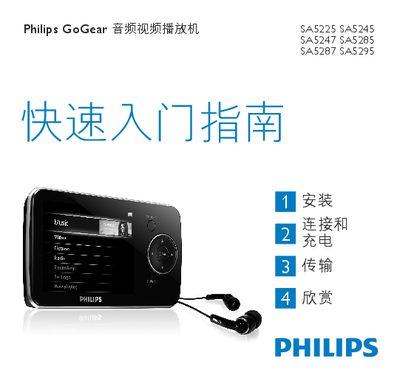
This manual covers the controls and connections of the GoGear audio‑video player, including volume, navigation, USB mini‑port, headphone jack, and reset functions. It explains installation steps, charging the built‑in battery, connecting to a PC via the USB cable, and using Windows Media Player 11 to transfer music and pictures.
Additional sections describe how to view the battery‑level indicator, use playback and recording features, tune the radio, and troubleshoot common issues. Environmental disposal instructions for the integrated battery and recycling information are also provided. This manual is written in Chinese.
| Initial charge time | At least 5 hours |
|---|---|
| Full charge time | 4 hours for 100% battery |
| Supported transfer software | Windows Media Player 11 |
Charge the player for at least 5 hours before the first use.
Connect the player to a PC with the USB cable and use Windows Media Player 11 to transfer files.
When the battery is almost empty, the battery screen flashes and the player will shut down after about 60 seconds.
Press and hold the reset button (labeled RESET) to reset the device.