
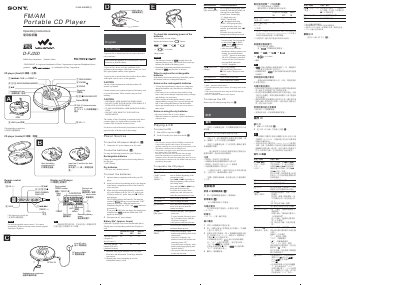
The D-FJ200 is a portable CD player with FM/AM radio, rechargeable and dry battery options, and a remote control. This manual explains how to install power sources, operate CD playback, use radio features, and manage settings via the menu.
Key sections include power source connection, battery charging, CD and radio operation, bookmark and PGM programming, menu configuration, safety precautions, maintenance, troubleshooting, and technical specifications of the laser system.
| Laser diode material | GaAlAs |
|---|---|
| Laser output | Less than 4 |
| DC input voltage | 4.5 V |
During playback, press and hold the P button until “gf (Bookmark)” flashes in the display; the bookmark is then stored.
Connect the AC power adaptor to the DC IN 4.5 V jack and press the CHG button; the display shows “CHG” while charging.