
The Philips DVD player can be used to watch DVD video discs. The player supports multiple functions, such as angles, languages, subtitles, and repeats. These features can provide users with the best playback experience.
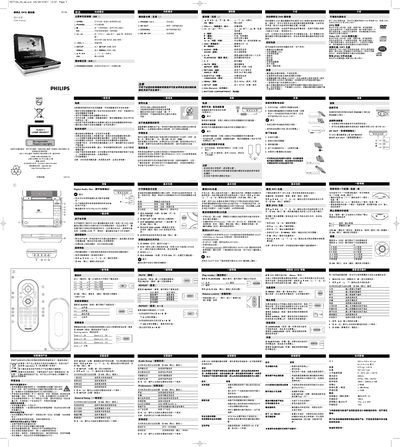
This manual provides step‑by‑step instructions for installing, configuring and using the Philips WK7101 portable DVD player. It covers power connection, remote‑control operation, on‑screen display settings, and special DVD features such as angle selection, subtitles and language changes.
The guide also includes safety warnings, maintenance tips, technical specifications and a troubleshooting section to help resolve common playback issues. This manual is written in Chinese.
| Dimensions | 20.3 x 15.0 x 4.1 cm |
|---|---|
| Weight | 0.71 kg / 1.42 lb |
| Power Supply | DC 12 V 1.5 A |
| Operating Temperature | 0 °C – 50 °C |
| Laser Wavelength | 650 nm |
| Video System | NTSC / PAL / AUTO |
| Frequency Response | 20 Hz – 20 kHz ± 1 dB |
| Signal‑to‑Noise Ratio | ≥ 80 dB |
| Audio Distortion (Noise) | ≤ ‑80 dB (1 kHz) |
| Channel Separation | ≥ 75 dB |
| Analog Audio Output Level | 2 V (10 kΩ load) |
| Video Output Level | 1 V p‑p ± 20 % (75 Ω load) |
Press the MUTE key once to mute the player; press it again to restore sound.
Slide the POWER switch to the ON position.
Use a soft, lint‑free cloth and wipe the disc from the centre outward.