
This manual introduces the basic operations of PET1002 Portable DVD Player, including general settings, special DVD functions, and general functions.
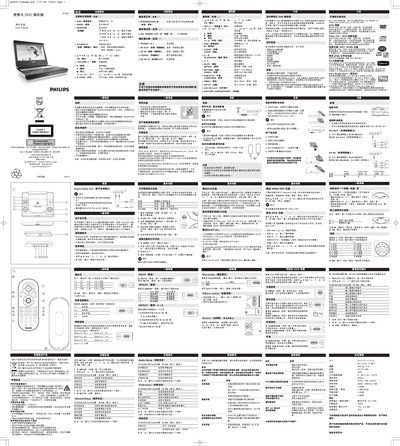
This manual explains how to power on the PET1002, configure settings such as language, video system, and audio options, and use the remote control for playback functions. It also covers special DVD features, DivX VOD registration, and how to connect external audio/video equipment.
Safety guidelines, battery handling, and environmental disposal instructions are included, along with technical specifications and troubleshooting tips for common issues like disc playback errors or no sound. This manual is written in Chinese.
| Dimensions | 22 x 17.7 x 3.2 cm (8.7 x 6.9 x 1.3 in) |
|---|---|
| Weight | 0.94 kg (2 lb) |
| Power supply | DC 9V 1.8A |
| Operating temperature | 0 °C – 50 °C (32 °F – 122 °F) |
| Laser wavelength | 650 nm |
| Video system | NTSC / PAL / AUTO |
| Signal‑to‑noise ratio | ≥85 dB |
Slide the POWER switch to the ON position.
Enter General Setup, select OSD LANG, and choose the desired language.
Use the VOL + / – keys on the remote or the rotary volume switch on the right side of the unit.
Wipe the disc with a soft, lint‑free cloth from the center outward.