
The document is the description of Samsung SyncMaster 720B/720T/920T/721B monitor. It introduces the performance features of the monitor and how to connect the computer and use the monitor.
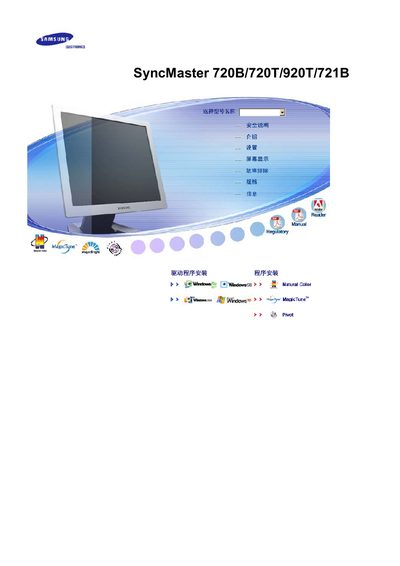
This manual covers the operation of the SyncMaster 720 series LCD monitors, including how to navigate the On‑Screen Display (OSD) menu, adjust picture settings such as MagicBright, MagicTune and resolution, and use the Energy‑saving mode. It also contains safety instructions, environmental recycling guidelines, and compliance information for medical‑device use.
Technical details such as the TFT‑LCD type, supported resolution of 1280 × 1024, and operating temperature and humidity ranges are provided, along with certification references (TCO, ISO 14000) and disposal instructions for mercury‑containing lamps. This manual is written in Chinese.
| Display resolution | 1280 × 1024 |
|---|---|
| Panel type | TFT‑LCD |
| Operating temperature range | -40 °C to +70 °C |
| Relative humidity range | 10 % – 95 % (non‑condensing) |
The monitor supports a maximum resolution of 1280 × 1024 pixels.
It can be used from –40 °C up to +70 °C.
Yes, the LCD lamp contains mercury and must be recycled or disposed of according to local, state or federal laws.