
The document provides instructions for installing the driver program, including precautions for using the plug, power grounding, monitor installation, and cleaning.
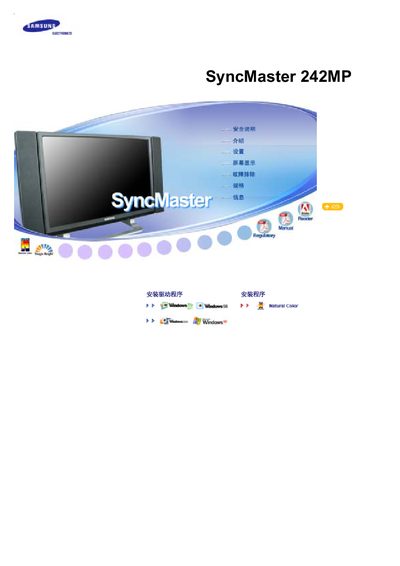
This manual covers important safety precautions, including the need for qualified personnel when installing wall mounts and keeping the unit away from water and moisture. It also explains proper ventilation, handling, and cleaning procedures to maintain the monitor’s longevity.
Additional sections describe how to avoid image retention by using screen savers, power‑off schedules, and appropriate color settings, as well as guidelines for adjusting resolution, viewing angles, and ergonomic use of the display. This manual is written in Chinese.
| Screen size | 24 inches |
|---|---|
| Resolution | 1920 x 1200 |
| Pixel defect standard | ISO13406-2 Class 1 |
Run a screen‑saver or power‑off the monitor when it is not in use to avoid static images that cause residual images.
Installation must be performed by qualified personnel and the unit should be kept away from water, moisture, and direct exposure to rain.