
The Samsung 953BW, 2053BW, 2253BW and 2253LW widescreen LCD monitors are ideal for both work and play.
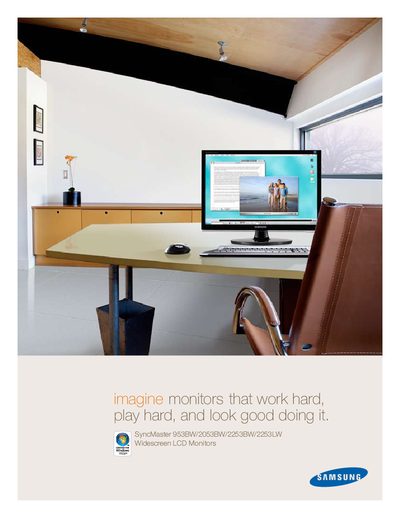
The Samsung 953BW, 2053BW, 2253BW and 2253LW monitors combine a sleek high‑gloss black design with buttonless touch controls, an acrylic control bar, and a 16:10 widescreen aspect ratio for both professional and entertainment use. Features such as MagicBright 3, MagicTune, and Custom Key let users quickly adjust picture settings, while HDCP support enables playback of protected high‑definition content.
The manual details the technical specifications of each model, including display type, native resolution, contrast ratio, response time, brightness, and connectivity options. It also covers power‑saving functions, mounting options, environmental compliance, and warranty information to help users install and operate the monitors safely and efficiently.
| Display Type | a‑si TFT/TN |
|---|---|
| Viewable Size | 19" – 22" (varies by model) |
| Native Resolution | 1440 × 900 or 1680 × 1050 |
| Contrast Ratio (Typical/Dynamic) | 1000:1 / 8000:1 |
| Response Time | 5 ms (2 ms GTG) |
| Brightness (Typical) | 300 cd/m² |
| Power Consumption (Max/Standby) | 34 W (max) / <1 W (standby) |
| Input Connectors | 15‑pin D‑sub, DVI‑D, 3‑pin AC plug (CEE22) |
| Dimensions (w/stand) | 17.5" × 14.2" × 7.5" (953BW) to 20.2" × 15.8" × 8.6" (2253BW) |
All four models have a 5 ms response time, with a 2 ms gray‑to‑gray (GTG) capability.
Yes, the monitors are HDCP‑compatible, allowing playback of Blu‑ray, game consoles, and other high‑definition sources.
The Power Consumption Control feature can automatically turn the monitor off at a set time to save energy.
Each monitor provides a 15‑pin D‑sub analog video input, a DVI‑D digital input with HDCP, and a 3‑pin AC power plug.