
This manual introduces the parts and functions of the phone, including power on/off, volume setting, ringtone change, redial, function table use, etc.
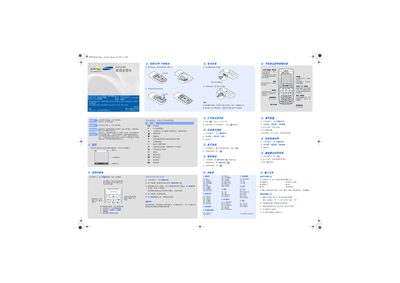
This manual explains how to use the SGH-B108 phone, including basic operation in standby mode, accessing the main menu, using shortcut keys, activating mute, voice mail, and SOS functions. It describes key actions such as pressing and holding specific keys to enter silent mode, send SOS messages, and navigate through sub‑menus.
The guide also covers configuration options such as language selection, input methods (Chinese handwriting, smart English, numeric), battery specifications, safety precautions (no water exposure, proper use while driving or near aircraft), and recommended Samsung accessories and batteries. This manual is written in Chinese.
| Battery capacity | 1000 mAh |
|---|---|
| Standby time (maximum) | 470 hours |
In standby mode, press the C key four times to send an SOS message and switch the phone to SOS mode.
The battery capacity is 1000 mAh.
No, the phone is not waterproof and should be kept dry.