
Quick Installation Guide, introduces how to use the machine, including how to prepare the machine, install software, read electronic manuals, load paper, operation panel, function menu items, copy, print from computer, scan images, print photos directly from compatible devices, fax, replace cartridges
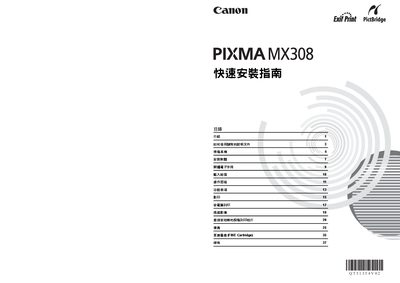
This guide provides step‑by‑step instructions for preparing the Canon MX308 printer, installing the required software on Windows or Mac, and loading paper. It also explains how to use the control panel, select menu items, and perform basic operations such as copying, printing, scanning, direct photo printing, and faxing.
Safety warnings, power requirements, and cartridge handling are included, along with a specifications section that lists supported paper sizes, paper types, and system requirements. The guide is printed in Thailand and references additional electronic manuals for advanced features. This manual is written in Chinese.
| Input voltage | AC 100‑240V, 50/60Hz |
|---|---|
| Supported paper sizes | 4×6 in, 5×7 in, credit card, 8×10 in, A4, Letter, Wide |
| Minimum system requirements (Windows) | Pentium II 300 MHz, 128 MB RAM, 800 MB HDD |
Install both a black FINE Cartridge and a color FINE Cartridge; the printer will not operate until both are correctly installed.
The printer requires an input voltage of AC 100‑240 V at 50/60 Hz.