
This manual introduces basic operations of ZoomBrowser EX, including system requirements, safety precautions, how to use this manual and so on.
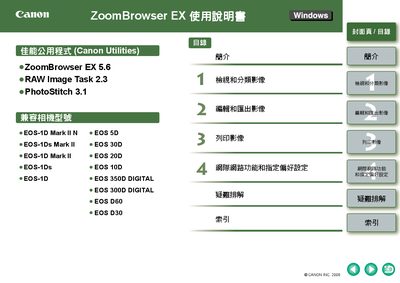
This manual explains how to install and use Canon ZoomBrowser EX, a Windows‑based image viewing and editing program that works with a range of Canon EOS cameras. It includes safety notices, system requirements, supported image types, and step‑by‑step instructions for downloading, viewing, editing, and printing images.
The document also covers advanced features such as RAW processing, color management, and batch renaming, plus troubleshooting tips and an uninstall guide for Windows XP, 2000, 98SE and later versions. This manual is written in Chinese.
| Minimum CPU | 500 MHz Pentium or higher |
|---|---|
| Minimum RAM (Windows XP/2000) | 256 MB |
| Minimum RAM (Windows 98/Me) | 128 MB |
| Minimum colour depth | 16‑bit (mid quality) or higher |
ZoomBrowser EX runs on Windows XP (Professional/Home), Windows 2000, Windows 98SE, and Windows Me.