
Mk1100 is a cable label machine that can be used to mark cables with names or numbers. It can print directly on cable tubes or on label stickers.
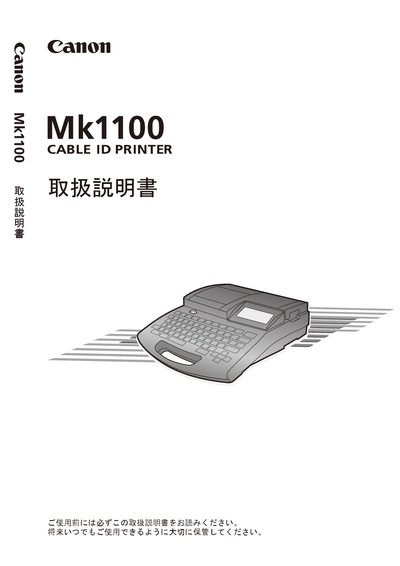
The MK1100 is a compact, lightweight cable ID printer designed for electrical installation sites. It prints directly on tubes, label tapes, wrap‑around tapes, and 4 mm ID strips, and can operate in low‑temperature environments with an optional tube warmer.
The manual covers basic handling, text input methods, advanced printing functions, consumable replacement, and maintenance procedures, helping users achieve efficient labeling and reliable operation in the field. This manual is written in Japanese.
| Dimensions (W×D×H) | 250 mm × 300 mm × 85 mm |
|---|---|
| Weight | 2 kg |
| Supported printing media | Tube, label tape, wrap‑around tape, 4 mm ID strip |
| Low‑temperature printing | Enabled with optional tube warmer |
The printer weighs about 2 kg.
It can print on tubes, label tape, wrap‑around tape, and 4 mm ID strips.