
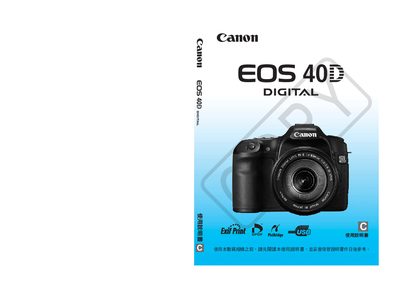
This manual explains how to safely set up and operate the EOS 40D, including battery installation, lens attachment, and basic shooting functions. It also covers safety warnings, quick start procedures, and recommended accessories.
Detailed sections describe camera controls, shooting modes, custom settings, playback options, and troubleshooting tips, helping users get the most out of the camera’s features such as high‑speed continuous shooting and automatic cleaning. This manual is written in Chinese.
| Effective Pixels | 10.1 MP |
|---|---|
| Battery Type | BP‑511A |
| Included Lens | EF‑S 18‑55mm f/3.5‑5.6 IS or EF‑S 17‑85mm f/4‑5.6 IS USM |
| Battery Charger | CB‑5L |
| Interface Cable | IFC‑200U |
| Viewfinder | EW‑100DGR |
Insert a fully charged BP‑511A battery, attach a compatible lens, and follow the quick‑start steps listed under "用前準備".
The kit includes either an EF‑S 18‑55mm f/3.5‑5.6 IS lens or an EF‑S 17‑85mm f/4‑5.6 IS USM lens.