
This document introduces the basic functions, advanced functions, editing functions, disc termination, external connections, printing, troubleshooting precautions and prohibitions in PAL. It also provides instructions for using the DVD camera and other related information.
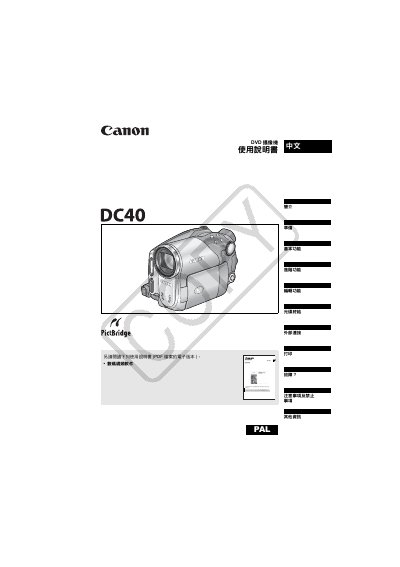
This manual covers everything you need to know to get started with the Canon DC40 DVD camcorder, including safety warnings, power‑on procedures, and how to prepare the camera for recording. It explains the different recording modes, disc types, and how to use the built‑in LCD screen and menu system.
Later sections detail advanced functions such as night‑scene mode, zoom, white‑balance, and how to connect the camcorder to a TV or computer for playback and file transfer. The guide also includes a troubleshooting chapter, specifications, and a list of optional accessories. This manual is written in Chinese.
| Dimensions (camera body) | 60 × 87 × 126 mm |
|---|---|
| Weight (camera body) | 480 g |
| Power input | 100‑240 V AC, 50/60 Hz |
| Battery capacity | 850 mAh |
| Operating temperature | 0 – 40 °C |
The camcorder uses 8 cm DVD‑R (included) or DVD‑RW discs that are commercially available.
Insert the DVD‑RW disc and use the camcorder’s “Initialize Disc” function; this prepares the disc for recording and editing.