
This is the user manual for Samsung SCH-M309 mobile phone, which introduces the components of the phone, the usage methods, safety measures, etc.
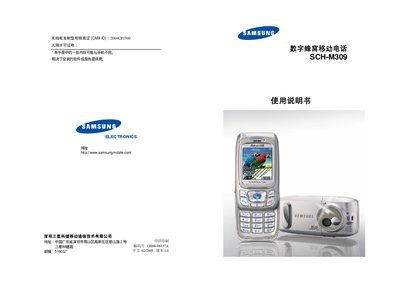
This manual covers safety measures, unpacking, and a detailed description of the SCH‑M309’s hardware components such as the display, backlight, service indicator, camera, and input keys. It also explains how to use essential functions like making calls, sending messages, and accessing menus.
Additional sections describe battery handling, memory card usage, SIM/UIM card installation, and advanced features like call forwarding, three‑way calling, and multimedia functions. Safety warnings for use near fuel, aircraft, and medical equipment are included throughout. This manual is written in Chinese.
| Display type | LCD |
|---|---|
| Battery | Samsung‑specified battery, charge with Samsung charger |
| Backlight | Adjustable, illuminates screen and keypad |
| Service indicator light | Flashes on incoming call, message, or alarm |
| Camera | Photo and video capture |
Open the Service Indicator menu (Menu 4‑6) and select the option to enable or disable the light.
Turn the phone off before entering a gas station or any area with flammable materials.