
The PPM42M5S, PPM42M5H, PPM50M5H and PPM63M5H are Samsung PDP televisions with Digital Natural Image engine (MDC), 1,230,000 SD, 3,150,000 HD pixels, support 4:3, 16:9, 4:3 and 16:9 screen ratios, and can connect to PCs, CDs, DVDs, etc.
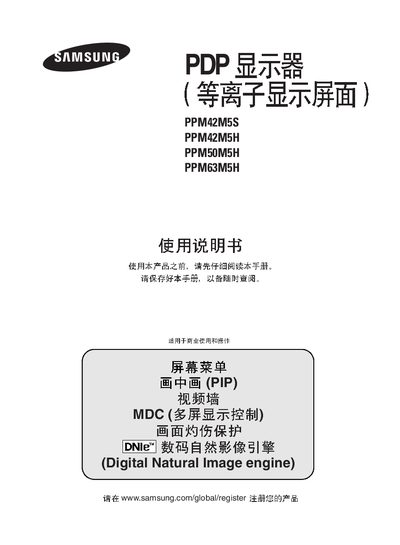
This manual provides instructions for operating Samsung PDP televisions of the PPM42M5S, PPM42M5H, PPM50M5H, and PPM63M5H series. It includes details on power setup, menu navigation, and audio configuration.
The document lists all available input connectors such as PC1/PC2, DVI, Component, AV, S‑Video, and external speaker outputs, along with RS‑232C control options. Technical specifications and troubleshooting tips are also included.
Connect the speakers to the EXT SPEAKER (8 Ω) connector on the back of the unit.