
The WV-CP470 is a color digital camera produced by Panasonic. It uses a 1/3-inch interline-transfer CCD image sensor with 753 horizontal elements and a digital signal processing large-scale integrated circuit to achieve a new level of high-quality and high-resolution images. This model also provides editing technology for advanced video surveillance.
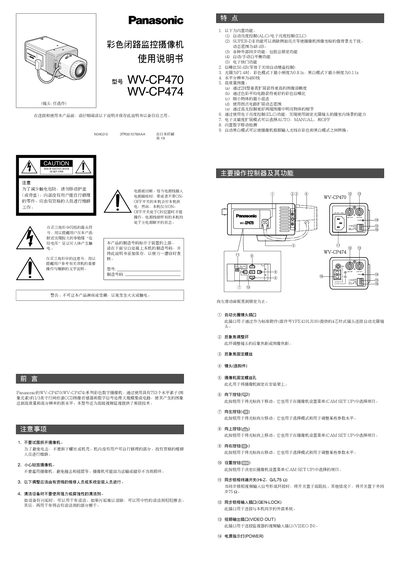
This manual provides step‑by‑step guidance for installing and operating the Panasonic WV‑CP470 and WV‑CP474 color digital cameras. It includes safety warnings, power connection options, lens installation, and detailed menu navigation for image and system settings.
The document also lists the technical specifications of the cameras, such as sensor resolution, video output, dynamic range, and environmental limits, helping installers configure the units for optimal performance in various surveillance environments.
| Horizontal resolution (color) | 480 lines |
|---|---|
| Horizontal resolution (black/white) | 570 lines |
| Signal‑to‑noise ratio | 50 dB |
| Dynamic range | 48 dB |
| Minimum illumination (color) | 0.8 lx (F1.4) |
| Minimum illumination (black/white) | 0.11 lx (F1.4) |
| Power (WV‑CP470) | 220‑240 V AC, 50 Hz, 5.1 W |
| Power (WV‑CP474) | 24 V AC, 50 Hz, 45 W |
| Dimensions (without lens) | 70 mm × 55 mm × 118 mm |
| Weight (without lens) | WV‑CP470: 0.46 kg, WV‑CP474: 0.45 kg |
Move the cursor to the CAMERA RESET parameter and hold the left and right buttons while pressing the set button for at least two seconds; the camera will return to its factory defaults.