
This document is the user manual for the RQTV0174-4S SD stereo system, which introduces the automatic input function from CD to SD/MD and the maximum recording speed from CD to SD and CD to MD. It also explains how to use the answering machine timer to prevent missed recordings and connect a wireless audio kit to enjoy music from a mobile phone.
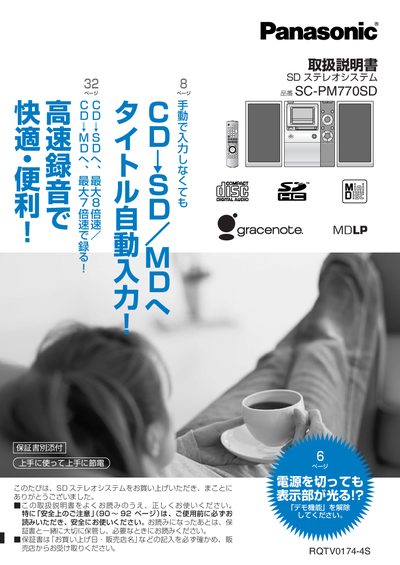
This manual explains how to install and connect the SC-PM770SD SD stereo system, including accessories, remote control setup, and network connections. It covers basic functions such as playback of CD, SD, and MD media, timer settings, and demo mode control.
Additional sections describe maintenance, care, warranty information, and troubleshooting tips. Users can find guidance on editing playlists, using the internet for Gracenote data, and configuring LAN or D‑snap ports for playback and charging. This manual is written in Japanese.
| Power Supply | AC100 V, 50/60 Hz |
|---|---|
| D‑snap Port | Supported for playback and charging |
While the demo function is active, press and hold the power button until the display shows "テモ解除" and the demo mode stops.