
The HP Designjet Z5200 PostScript® printer lets you quickly and easily print high-quality large-format files. The printer features automatic calibration and file configuration to help you achieve the color results you want quickly and accurately, while reducing costly misprints.
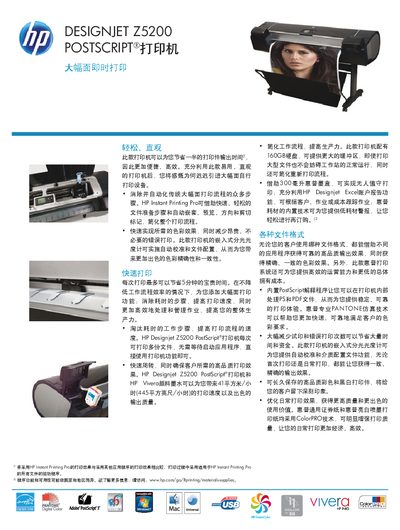
The HP Designjet Z5200 is a 44‑inch PostScript large‑format printer that offers fast, high‑quality color and black‑white output with built‑in spectrophotometer calibration and HP Vivera pigment inks. It supports a range of file formats and includes HP Instant Printing Pro for streamlined workflow.
This manual includes technical specifications, installation guidance, interface details, supported print languages, consumable information, and service and support contacts. It also lists ordering information and optional accessories for the printer. This manual is written in Chinese.
| Resolution | 2400 x 1200 dpi |
|---|---|
| Hard disk memory | 160 GB |
| Network interface | Gigabit Ethernet (1000Base‑T) |
| Weight | 86 kg (189 lb) |
| Ink cartridge capacity | 300 ml HP Vivera pigment ink |
The printer supports a maximum resolution of 2400 × 1200 dpi.
It includes a Gigabit Ethernet (1000Base‑T) port and a USB 2.0 port.