
User's manual for the NEC VT770 portable projector. Includes safety precautions and precautions.
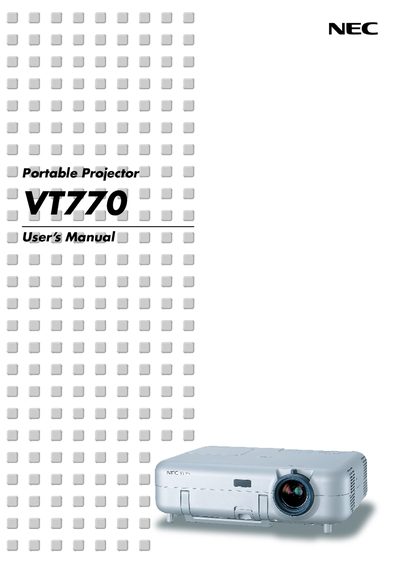
This manual begins with important safety information, including cautions about electrical shock, fire hazards, and proper handling of the projector. It explains how to install the unit, connect video sources, and set up the projection environment.
Subsequent sections cover basic operation such as turning the projector on and off, selecting sources, adjusting picture size, and using convenient features like the viewer and dynamic image utility. The final chapters describe routine maintenance, lamp replacement, and warranty details.
| Power Supply | 100–240 V 50/60 Hz AC |
|---|
Turn off the projector, wait at least 10 seconds, switch off the main power, disconnect the power cable, wait 60 minutes for cooling, then replace the lamp as described on page 107.
Do not open the cabinet, keep the power plug removed when servicing, avoid inserting metal objects, and refer all service to qualified NEC personnel.