
This user guide introduces the features and usage of Bose TriPort OE headphones. The headphones can be folded for easy carrying.
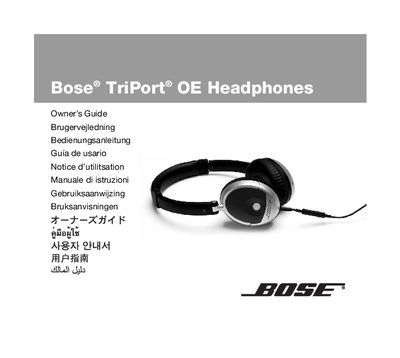
This manual provides instructions for safely using and maintaining Bose TriPort OE headphones. It includes setup steps, cleaning guidelines, and troubleshooting tips for common issues. The headphones are designed for portability and high-quality audio performance.
The guide also covers how to replace parts and contact Bose support for further assistance, with contact details provided for multiple countries. This manual is written in Japanese.
Use a damp cloth to wipe the outer surface. Do not clean the headphone ports.
Ensure the headphones are securely connected to the audio device's headphone jack.
Contact Bose or visit www.bose.com for replacement parts and accessories.