
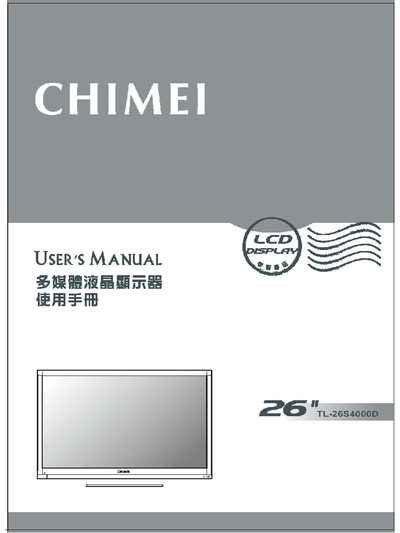
This user manual is for the Chimei TL-262S4000D multimedia LCD monitor. It covers important safety instructions, cleaning and maintenance, installation, connections, remote control use, troubleshooting, and specifications.
The documented specifications include a 26-inch diagonal panel, 1920 x 1080 maximum resolution, TN panel mode, 400 nits typical brightness, 5 ms typical response time, 100-120 V power input, and 8 ohm, 3 W x 2 built-in speakers. This manual is written in Chinese.
| Screen size | 26 inches (diagonal) |
|---|---|
| Aspect ratio | 16:9 |
| Maximum resolution | 1920 x 1080 pixels |
| Backlight life | 50,000 hours (min.) |
| Panel mode | TN |
| Brightness | 400 nits (typical) |
| Response time | 5 ms (gray to gray average, typical) |
| Input voltage | 100-120 V, 2.5 A max, 50/60 Hz |
| Standby power | Less than 1 W at 110 V (typical) |
| Built-in speakers | 8 ohms, 3 W x 2 |
Use a soft dry cloth; do not use thinner or alcohol, and unplug the monitor before cleaning.
No; use only the power type specified on the rating label.
No; image sticking caused by long-term static images is not covered.