
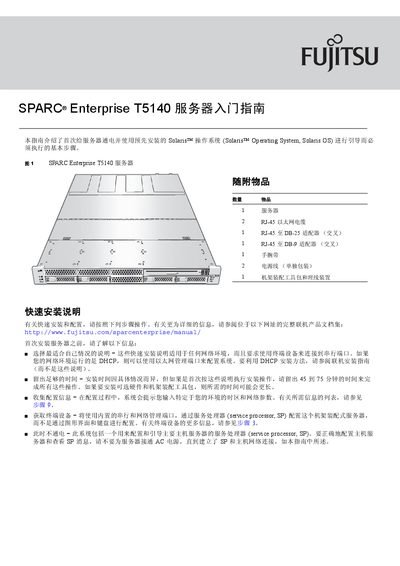
Fujitsu SPARC Enterprise T5140 Server User Guide


Fujitsu SPARC Enterprise T5140 Server User Guide - cover page
Brand
Fujitsu
Category
SERVER
Document type
User Manual
Language
Chinese
Pages
4
File format
PDF
File size
556 KB
Published
21 November, 2011
Updated
29 September, 2023
Model
T5140
MD5 checksum
93063A0B79F5D99782146F8CDF7F2C72

About this manual

This guide introduces the basic procedures required to power up a SPARC Enterprise T5140 server for the first time and to boot the pre‑installed Solaris operating system. It covers unpacking, rack mounting, connecting the Service Processor, and initial system configuration.

The document also explains how to access the Service Processor console via serial or Ethernet, set language, locale, network parameters, and verify the server’s operation using standard Solaris commands. Links to online documentation and support resources are provided at the end. This manual is written in Chinese.

What's inside

  • Introduction
  • Unpacking and Rack Installation
  • Serial and Network Management Connections
  • Power Connection
  • Service Processor Login
  • Configuration Menu
  • System Verification Commands
  • Online Documentation and Support

Specifications

Initial initialization timeApproximately 20 minutes

Frequently asked questions

What is the default password for the Service Processor?

The default password is "changeme".

How long does the server take to initialize after power‑on?

About 20 minutes.

Download PDF (556 KB)

More Fujitsu Manuals


View all Fujitsu manuals →