
Thecus N5500 User Manual
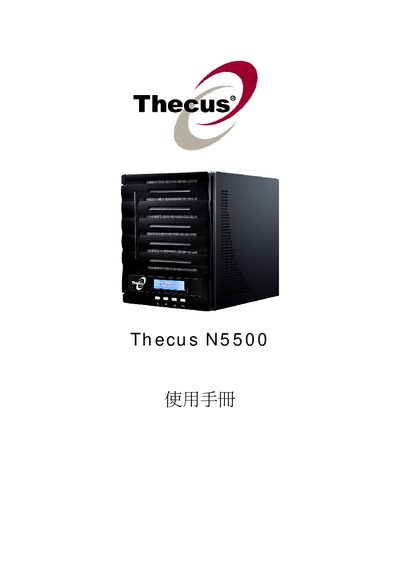
The Thecus N5500 is an easy-to-use IP storage server designed for network data storage and distribution. It supports RAID 5 and RAID 6 with available storage space exceeding 6 TB, ensuring data security and reliability. The device features a Gigabit Ethernet port to enhance network efficiency and supports data sharing across Windows (SMB/CIFS), UNIX/Linux, and Apple OS X environments.
Key features include various server functions such as File Server, FTP Server, iTunes Server, Media Server, Backup Server, and Printer Server. It also supports iSCSI initiator mode for direct-attached storage and offers advanced power management options, including scheduled power on/off and Wake-on-LAN (WOL). This manual is written in Chinese.
| Power Supply | AC 100V ~ 240V, 50/60 Hz, 3A |
|---|
Yes, it also supports iSCSI initiator mode, allowing it to be accessed as direct-attached storage over a local or wide area network.
The Thecus N5500 is a storage server used for storing and distributing data over a network.
The device operates normally when the temperature is between 0°C to 40°C and the relative humidity is between 20% to 85%.
The correct power supply voltage is AC 100V ~ 240V, 50/60 Hz, 3A.