
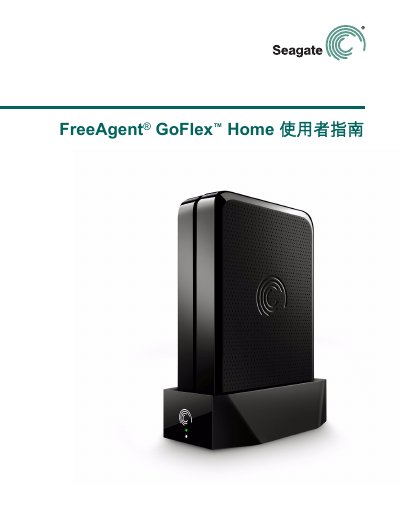
This guide introduces the FreeAgent GoFlex Home network‑attached storage system, describing its hardware features, system requirements, and basic concepts. It shows how to connect the device to a home network, install the required software on Windows or Mac, and create user accounts.
Later sections cover using Seagate Dashboard and Seagate Share for file access, media streaming, printer sharing, remote access, and troubleshooting. The manual also explains how to expand storage, change passwords, and customize settings. This manual is written in Chinese.
| Storage capacity | 1 TB or 2 TB (depending on model) |
|---|---|
| Ethernet port | Standard RJ‑45 for network connection |
| USB port | USB‑type A for printers, external drives, etc. |
| LED indicators | Green steady – ready; Green flashing – booting; Amber flashing – not connected |
Up to five people or five computers can access the GoFlex Home; unlimited users are possible with a Seagate Share Pro subscription.
Connect the supplied Ethernet cable between the router’s Ethernet port and the GoFlex Home Ethernet port.
A steady green LED means the device is connected to the network and ready for use.