
Seagate Manager User Guide for Use With Your FreeAgent™ Drive is a user guide that introduces how to use the Seagate Manager software to manage FreeAgent hard drive.
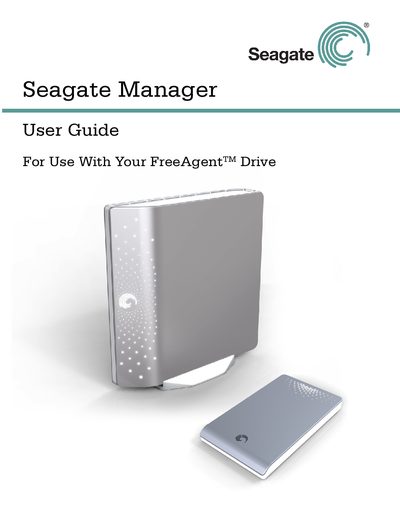
This user guide covers the Seagate Manager software included with the Seagate FreeAgent drive. It describes backup and restore, folder synchronization, security and encryption, power settings, drive testing, software updates, and LED control for FreeAgent drives.
The guide applies to Seagate FreeAgent and Maxtor OneTouch drives running Windows XP and Vista. It explains the Seagate Status icon, My Drives window, backup plans, sync settings, encryption folders, Seagate Secure storage, and drive unlocking and erasing.
| Compatible drives | Seagate FreeAgent and Maxtor OneTouch drives |
|---|---|
| Operating system compatibility | Windows XP and Vista |
It is compatible with Windows XP and Vista.
It means the backup or sync has failed.
Go to Start > Programs > Seagate > Seagate Manager > Seagate Status Icon.
It slow flashes between 90% and 20% illumination.