
This document introduces the features and designs of Hitachi LV-X4 multimedia projector.
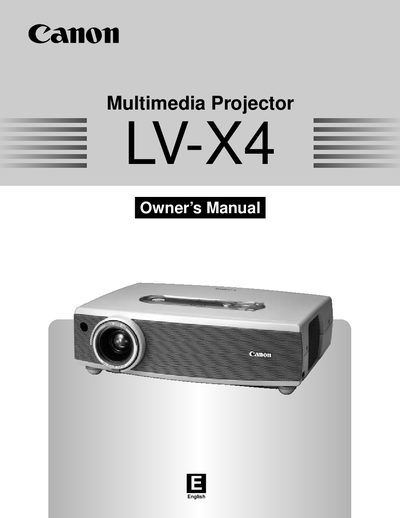
The Canon LV-X4 is a multimedia projector with a wide zoom lens offering 1.6 times zoom and a compact, portable design. It accepts computer, component video, S-video, and RGB scart input signals, and uses matrix liquid crystal display (LCD) technology with a palette of 16.77 million colors.
This owner's manual provides safety instructions, installation and connection steps, basic operation, on-screen menu use, computer and video input settings, maintenance and cleaning procedures, lamp replacement, and troubleshooting information.
| Zoom ratio | 1.6 times |
|---|---|
| Display colors | 16.77 million colors |
| Display technology | matrix liquid crystal display (LCD) |
| Menu languages | 12 languages |
| Screen size range | 8.2' (2.5m) to 13.1' (4m) |
The operation menu is available in 12 languages, including English, German, French, Italian, Spanish, Portuguese, Dutch, Swedish, Russian, Chinese, Korean, and Japanese.
The projector is equipped with a wide zoom lens with a 1.6 times zoom ratio.
Yes, a blackboard can be used as a projection screen, and the board color is limited to green.
The PIN code lock function prevents others except users from using the projector.