
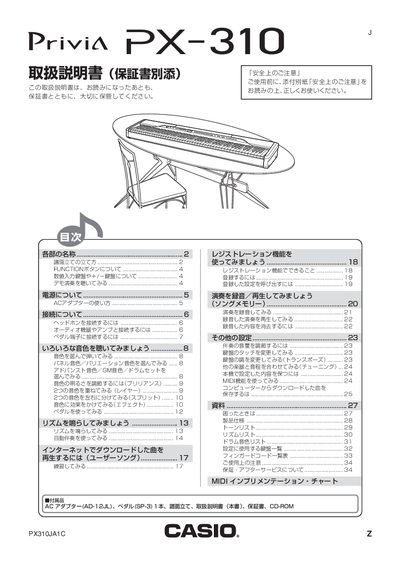
This manual begins with safety precautions, a list of included accessories, and instructions for powering the instrument using the specified AC adapter (AD-18JL) and a 100 V household outlet. It explains how to connect headphones, external audio equipment, and the optional pedal (SP‑3) via the PHONES, LINE IN/OUT, and PEDAL terminals.
The later sections describe the keyboard’s functions, including tone selection using the TONE buttons, advanced and GM tone banks, drum set selection, recording and playback with the Song Memory, and MIDI implementation details. Additional settings such as volume, brilliance, split, and reverb are covered, along with troubleshooting tips. This manual is written in Japanese.
| AC Adapter Model | AD-18JL |
|---|---|
| Input Power Voltage | 100 V AC |
| Advanced Tones | 40 |
| GM Tones | 128 |
| MIDI Implementation Chart Version | 1.0 |
Use the specified AC adapter model AD‑18JL and connect it to the AC power terminal.
Turn the VOLUWIE (volume) knob to adjust the output level.