
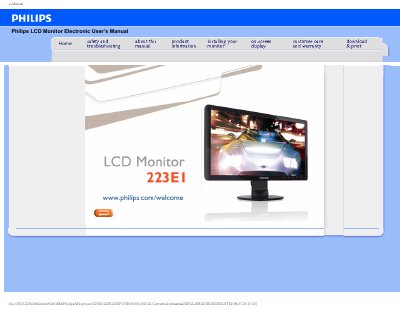
This electronic user's manual covers the Philips 223E1 LCD Monitor, a 21.5-inch display with a native resolution of 1920x1080 at 60Hz. It includes safety precautions, maintenance guidelines, and instructions for connecting the monitor to standard PCs, Macs, and workstations.
The manual also answers frequently asked questions about resolution, color settings, drivers, wall mounting, and LCD panel technology, and provides troubleshooting steps plus regulatory information.
| Operating temperature | 0-40°C (32-95°F) |
|---|---|
| Operating humidity | 20-80% RH |
| Recommended resolution | 1920x1080 @60Hz |
| Native resolution | 1920x1080@60Hz |
| Recommended refresh rate | 60Hz |
| Color temperature settings | 5000K, 6500K, 7500K, 8200K, 9300K, 11500K |
| Plug-and-Play compatibility | Windows 95, 98, 2000, XP, Vista and Linux |
The recommended resolution is 1920x1080 at 60Hz.
Yes, it can be mounted using the standard VESA mount holes on the rear cover.
Yes, they are Plug-and-Play compatible with Windows 95, 98, 2000, XP, Vista and Linux.
Use a clean, soft cloth for normal cleaning, or isopropyl alcohol for extensive cleaning.