
This is a user manual for a video recorder produced by Sony Corporation
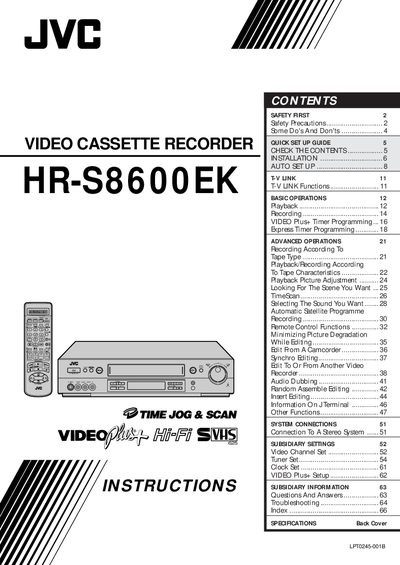
This manual provides comprehensive instructions for the JVC HR-S8600EK Video Cassette Recorder. It begins with safety precautions and a quick setup guide, detailing how to check contents, install the unit, and connect it to a TV or stereo system using various cables like RF and SCART.
The guide covers basic operations such as playback and recording, as well as advanced features including T-V Link, time scanning, editing, and satellite program recording. It also includes sections on system connections, subsidiary settings, and troubleshooting.
Cassettes marked "S-VHS" and "VHS" are compatible, although S-VHS recordings require cassettes specifically marked "S-VHS".
No, video tapes recorded in LP (Long Play) mode cannot be played back on a single-speed video recorder.
Keep the recorder turned on for a few hours to allow the moisture to dry.