
JVC HR-S9600EK Video Cassette Recorder User Manual

The HR-S9600EK VIDEO CASSETTE RECORDER is a video recorder with features such as auto setup, timer recording, and remote control.
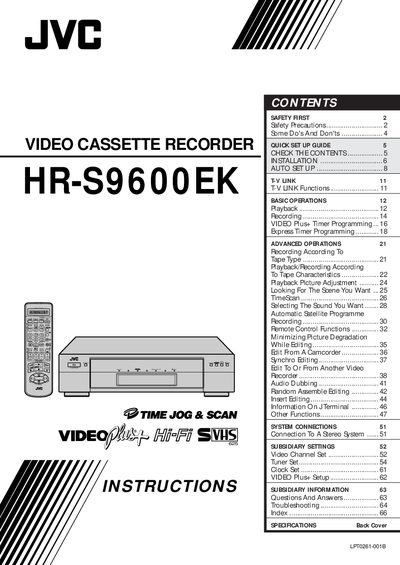

JVC HR-S9600EK Video Cassette Recorder User Manual - cover page
Brand
JVC
Category
Other
Document type
User Manual
Language
English
Pages
72
File format
PDF
File size
1.6 MB
Published
13 November, 2011
Updated
28 September, 2023
MD5 checksum
3ACA1C7C1FD7AFEA00935D2FD91EF52C

About this manual

This manual provides instructions for safely installing and operating the JVC HR-S9600EK video cassette recorder. It covers safety precautions, quick setup, installation steps, basic operations like playback and recording, advanced features including time scan and editing, system connections, and subsidiary settings. The guide also includes troubleshooting and FAQs to assist users with common issues.

What's inside

  • Safety First
  • Quick Set Up Guide
  • Installation
  • Basic Operations
  • Advanced Operations
  • System Connections
  • Subsidiary Settings
  • Subsidiary Information
  • Questions and Answers
  • Troubleshooting

Frequently asked questions

Which cassette types can be used with this recorder?

Cassettes marked "S-VHS" and "VHS" can be used with this video cassette recorder.

Are S-VHS recordings possible with cassettes marked "VHS"?

No. S-VHS recordings are possible only with cassettes marked "S-VHS".

Can tapes recorded in LP (Long Play) mode be played back on a single-speed video recorder?

No. Video tapes recorded with this video recorder in the LP (Long Play) mode cannot be played back on a single-speed video recorder.

Where does the TV aerial cable connect on the recorder?

Connect the TV aerial cable to the ANT. IN jack on the rear panel of the recorder.

Download PDF (1.6 MB)

More JVC Manuals


View all JVC manuals →