
This user manual describes the features and usage of the liquid crystal control terminal ZM-42/43/52/72/82 series.
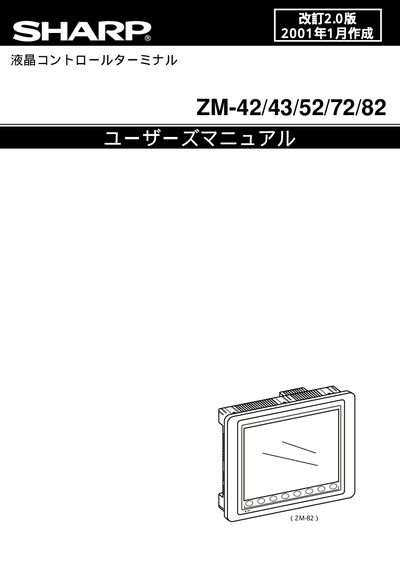
The Sharp ZM-42/43/52/72/82 series consists of programmable display units and peripheral equipment utilizing LCD displays and touch panels. These terminals communicate with programmable controllers (PC) to provide diverse data visualization and input capabilities based on configured screen data.
Key features include 128-color display support, multi-window functionality allowing up to three overlapping screens, and video input for CCD cameras. The series supports various screen sizes (5.7, 7.7, 10.4, and 12.1 inches) and can be expanded with additional I/O units, memory cards, and Ethernet/FL-net connectivity via the ZM-80NU unit. This manual is written in Japanese.
| Display Colors | 128 colors |
|---|---|
| Available Screen Sizes | 5.7, 7.7, 10.4, 12.1 inches |
| Multi-window Capacity | Up to 3 overlapping screens |
Yes, the video input function allows the connection of video or CCD cameras to display images directly on the screen.
By installing the ZM-80NU Ethernet unit, the ZM-43/52/72/82 models can connect to Ethernet and FL-net.