
Sharp LC-65RX1H LCD Colour Television Operation Manual

This manual provides detailed instructions on the features and operation of the LC-65RX1H LCD colour TV.
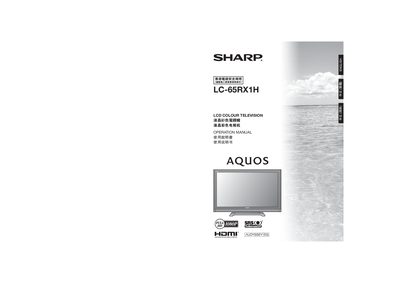

Sharp LC-65RX1H LCD Colour Television Operation Manual - cover page
Brand
Sharp
Category
Television
Document type
User Manual
Language
English
Pages
64
File format
PDF
File size
9.4 MB
Published
14 November, 2011
Updated
30 September, 2023
MD5 checksum
18DE6A39E536C273175E785F2E32DA71

About this manual

This manual explains how to install, set up, and operate the Sharp LC-65RX1H LCD colour television. It covers safety precautions, supplied accessories, remote‑control usage, and connection of external devices such as VCRs, game consoles, DVD players, set‑top boxes, and PCs.

Additional sections describe picture and audio adjustments, energy‑saving features, HDMI/AQUOS LINK functions, wall‑mounting instructions, and a troubleshooting guide with error‑message explanations.

What's inside

  • Important Safety Precautions
  • Supplied Accessories
  • Connecting External Devices
  • Remote Control Operation
  • Menu and Picture Settings
  • Audio Settings
  • HDMI / AQUOS LINK
  • PC Connection
  • Troubleshooting
  • Mounting and Installation

Specifications

Resolution1080P
Battery type (remote)AAA (x2)

Frequently asked questions

How do I turn the TV on and off?

Press the POWER (On/Off) button on the TV or the remote control unit.

Download PDF (9.4 MB)

More Sharp Manuals


View all Sharp manuals →