
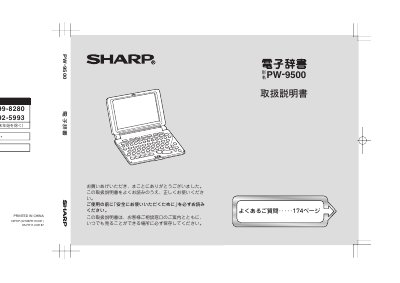
Sharp PW-9500 Electronic Dictionary User Manual


Sharp PW-9500 Electronic Dictionary User Manual - cover page
Brand
Sharp
Category
Other Electronics
Document type
User Manual
Language
Japanese
Pages
183
File format
PDF
Published
12 November, 2011
Updated
29 September, 2023
MD5 checksum
74AD582795453830C6D3A5D2F73EB315

About this manual

This is the user manual for the Sharp PW-9500 electronic dictionary. It explains safety precautions, how to insert dry batteries, reset the unit, open the cover, adjust display contrast, and turn the power on and off.

The manual also describes key notation, screen symbols, basic screen operations, the main menu, text input in Japanese and English, and how to use the built-in dictionaries such as Kojien and Genius. This manual is written in Japanese.

What's inside

  • Safety precautions
  • First use and batteries
  • Resetting the unit
  • Power on and off
  • Key notation
  • Screen display and symbols
  • Basic screen operations
  • Main menu
  • Text input
  • Using dictionaries

Frequently asked questions

How do I turn the power on and off?

Press a key such as the power key to turn it on, and press the power key to turn it off.

What should I do if the power does not turn on?

Check that the battery cover switch is locked, press the reset switch again, reinsert the batteries, or adjust the display contrast.

Download PDF

More Sharp Manuals


View all Sharp manuals →